
Changelog
The latest from Collect
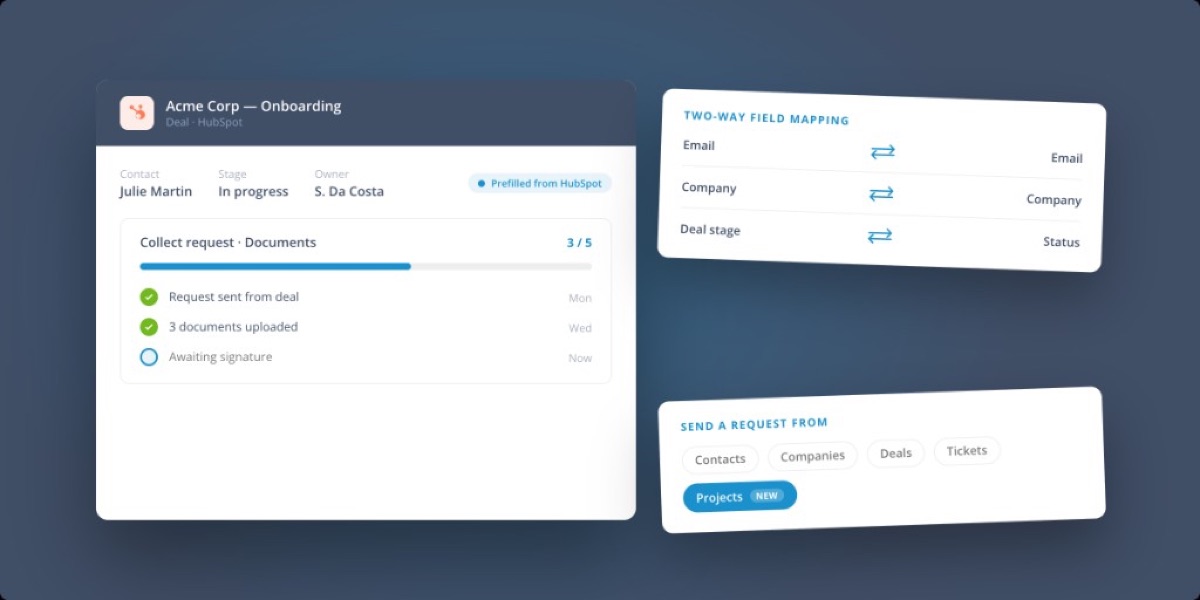
A deeper HubSpot integration
Collect and your CRM now work together more smoothly, so teams do less duplicate data entry and get better visibility into request progress.
What’s new for HubSpot:
- Prefill from HubSpot: start requests with data that already exists in your CRM.
- Richer field mapping: more field types now sync reliably in both directions.
- Progress in HubSpot: track request progress and see clearer timeline events without leaving your CRM.
- Send requests from projects: you can now trigger a request from a project, just like you already can from contacts, companies, deals, and tickets.
Also improved
- HubSpot IDs are now editable, and webhook handling is more robust.
Keep Collect and your CRM aligned with far less manual cleanup.
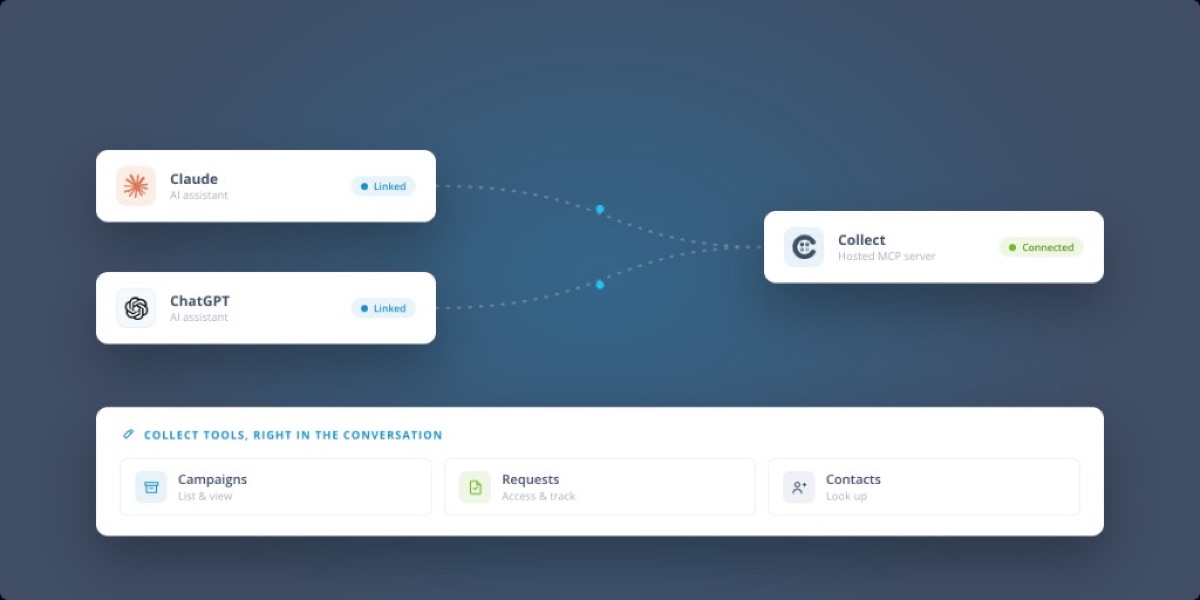
Connect Collect to Claude and ChatGPT with hosted MCP
Collect now has a hosted MCP server, so you can connect your account directly to AI assistants like Claude and ChatGPT. There’s nothing to host or maintain on your side, just connect and go.
Once connected, your assistant gets a full set of Collect tools and can help you manage everything you need, from campaigns and requests to contacts, right from the conversation. Connections are authenticated securely with OAuth 2.0, and you can manage your MCP keys whenever you need.
Also improved
- New API route to look up an object directly by its ID.
- New API routes for request messages and exports.
- More webhook events, with more reliable delivery to HubSpot, Pipedrive, and Zapier.
Bring Collect into the AI tools your team already uses every day.
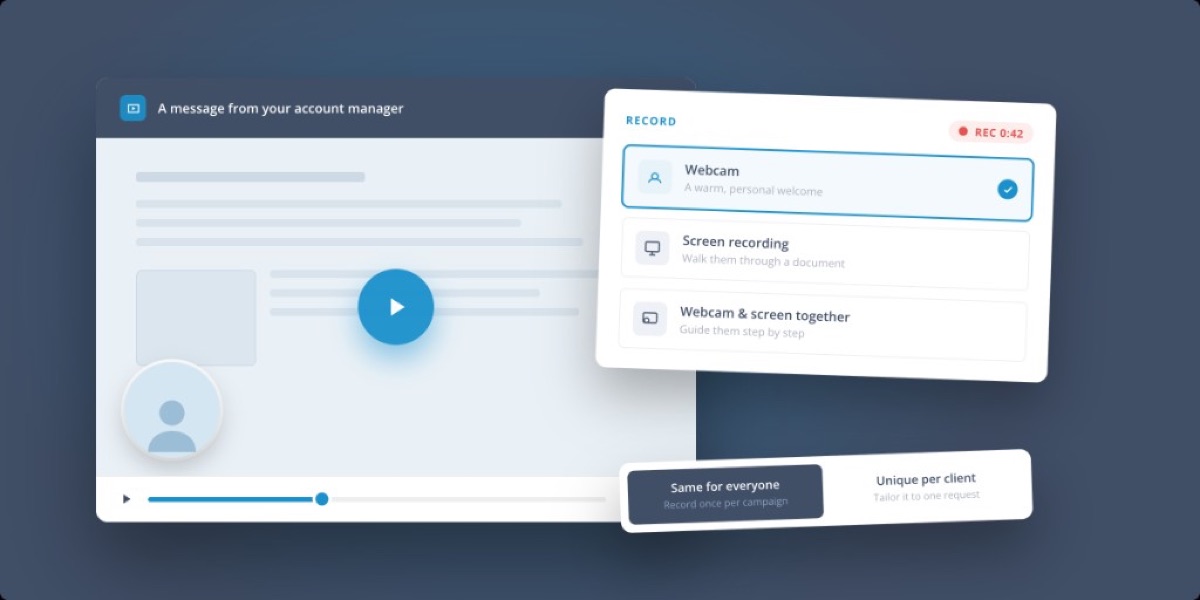
Record a personal video for every client
Sometimes a short video says more than a page of instructions. You can now record a video right inside Collect and show it to your client in their portal, with no need for Loom, Tella, or a separate upload.
Record however fits the moment:
- Webcam: put a face to your request with a warm, personal welcome message.
- Screen recording: walk your client through a document, a form, or exactly what you need from them.
- Webcam and screen together: guide them step by step while they see and hear you.
The same video for everyone, or a unique one per client
Add a video block to your campaign and record it once, so every new request shows the same message automatically. Or record a fresh video for a specific request when you want something tailored. Both work, so you can keep onboarding consistent and still make it personal whenever it matters.
No switching tools, no exporting, no re-uploading. Just hit record and send.
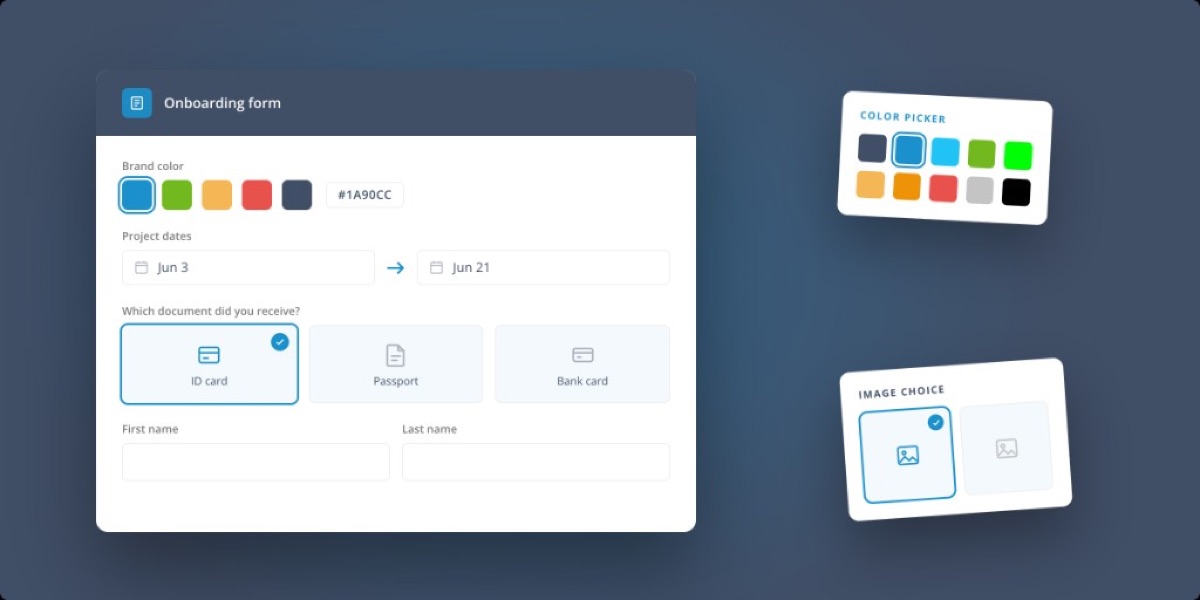
More flexible forms for richer answers
Forms in Collect are now more flexible, more visual, and easier for contributors to complete, so you can collect more precise answers without custom workarounds.
New field types and options:
- Color picker: collect exact color values.
- Date range: ask for a start and end date in a single field.
- Image choice: let contributors pick from visual options.
- Two-column and half-width layouts: keep longer forms clear and compact.
- Positive number validation and better default values for dates, ranges, colors, and CRM-prefilled fields.
New field types work everywhere they should: across the portal, request details, exports, webhooks, and automation.
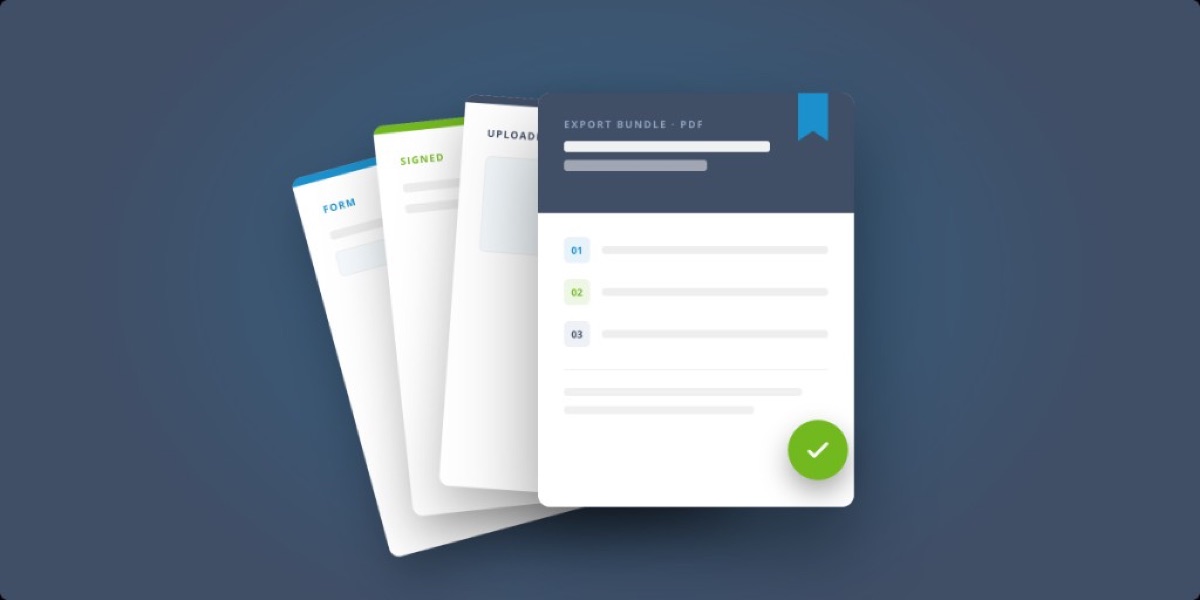
Control your exports in Collect
When a request wraps up, you often need to hand over one clean, complete document, not a scattered pile of files. Now you decide exactly what goes into your export and how it’s assembled.
Build a single export bundle by collating everything a request produced into one document, in the order you choose. You can now pull in:
- Forms, transformed into PDF: form answers become clean, readable PDF pages right inside the bundle.
- Signed documents: include e-signed files alongside the rest of the request.
- Uploaded documents and static pages: add supporting files, cover pages, or reference content.
Design your own PDF templates
Create fillable PDF templates by placing fields directly on an uploaded PDF, then reuse them across requests. And when you need to generate a bundle automatically, an export route is now available through the API.
Also improved
- Variable insertion in PDF and export templates is easier.
- Large or complex exports (and special characters in file names) are handled more reliably.
From scattered files to one polished, client-ready document, exactly the way you want it.
Start automating your onboarding today
Try Collect free for 7 days – with full access to our AI and integrations.