
Changelog
The latest from Collect
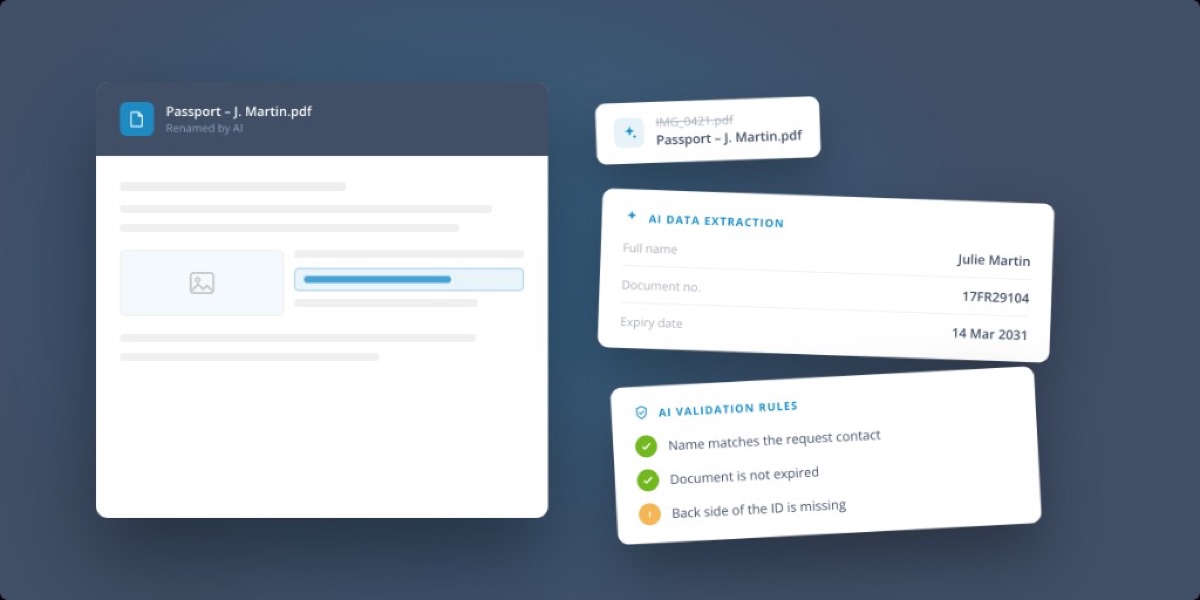
Review documents faster with AI
We’re bringing AI into document review, so your team spends less time opening files, checking details, and renaming documents by hand.
What’s new:
- AI-assisted renaming: uploaded documents are automatically named for clarity and consistency.
- AI data extraction: pull key information out of uploaded documents automatically.
- AI validation rules: check documents against the criteria you configure, and flag anything missing or incorrect.
- Reusable data: extracted values can prefill later steps in the same request.
Less manual review, more reliable requests. Give it a try on your most document-heavy workflows. 🚀
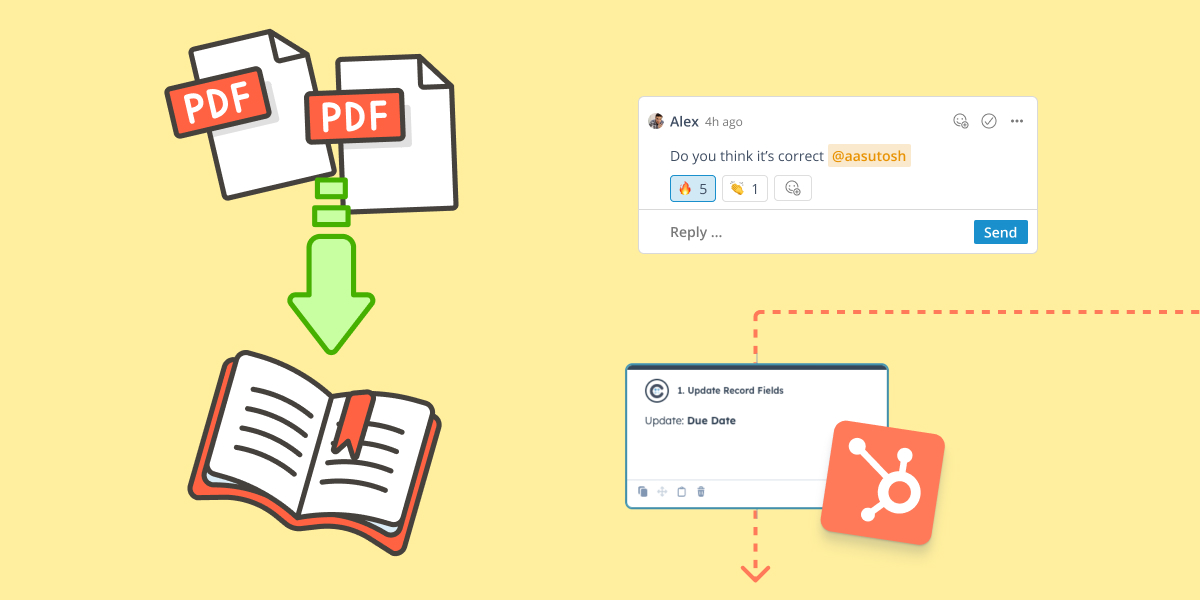
Collaboration just got a major upgrade
This week, we rolled out some powerful updates to make working in Collect even smoother – whether you're sharing feedback, generating exports, or syncing with your CRM.
Here’s what’s new:
✨ A fresh take on comments
We redesigned how comments work so teams and clients can communicate more clearly.
- React with emojis (👍, ✅) to give quick feedback
- Keep things tidy with threaded replies
- Share team-only notes with internal comments
It’s all about speeding up communication and cutting down on confusion.
📄 PDF Collation: One-click professional reports
Exporting data just got classy. You can now combine everything from the portal into one structured PDF.
- Use multiple templates
- Customize page order
- Add static pages like covers or instructions
Perfect for client-ready reports in seconds.
🔄 HubSpot integration, now sharper than ever
We added more automation, better tracking, and new ways to collaborate straight from HubSpot.
- Trigger actions from workflows (like reassigning requests or updating statuses)
- See richer timeline details
- Auto-invite contributors when sending a request
- Create HubSpot objects directly from Collect
- Reassign objects without switching tools
Collect and HubSpot now speak the same language — with less manual work.
A new era for building in Collect 🛠️
We’ve shipped a bunch of improvements to make building in Collect faster, more powerful, and a lot more intuitive.
Redesigned Builder Layout
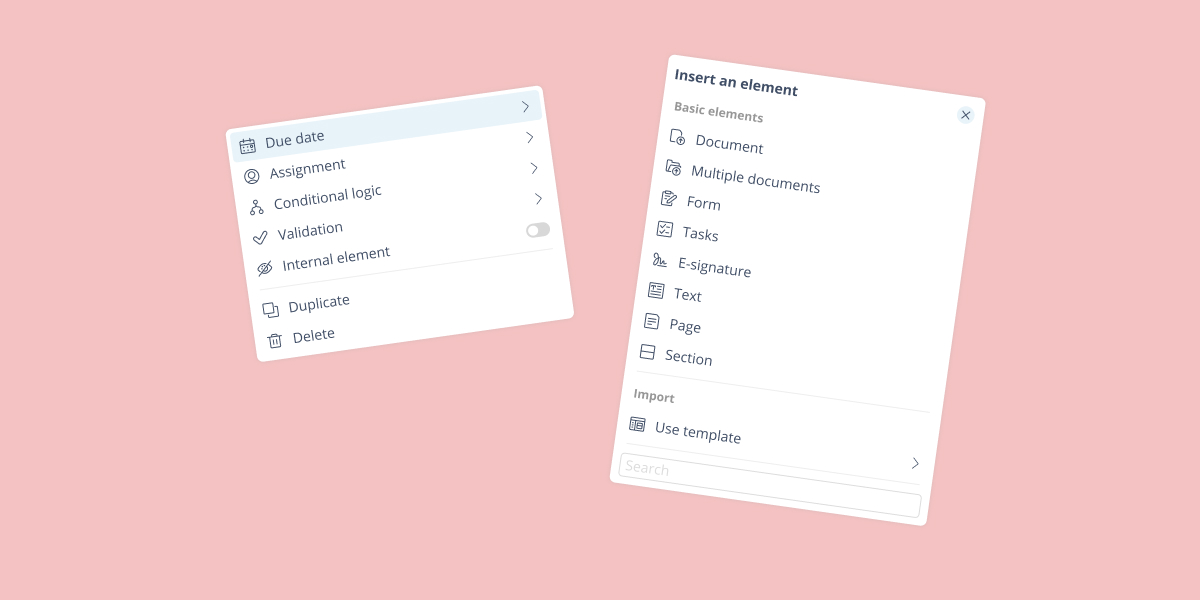
We’ve rethought how you interact with elements in the builder. Settings now live in a clean, collapsible menu at the top-right of each element—always just one click away. And you can now insert elements exactly where you want them.
Smarter Element Logic
You can now define conditional rules directly within each element—making it easier to stay focused and organized. Prefer the big-picture view? The original logic page is still available.
New Element Settings
We’ve added a powerful set of options to help you manage your workflows:
- Set due dates at the element level
- Assign elements to users, groups, or contacts
- Auto-validate elements after actions like uploads
- Mark elements as internal-only
Multi-Document Insertion
No more adding elements one by one. Just list the documents you need—we’ll create a separate element for each automatically.
Collaborative Requests
Requests can now be truly collaborative. If a request is marked as collaborative, contacts can invite others to contribute—directly from the portal.
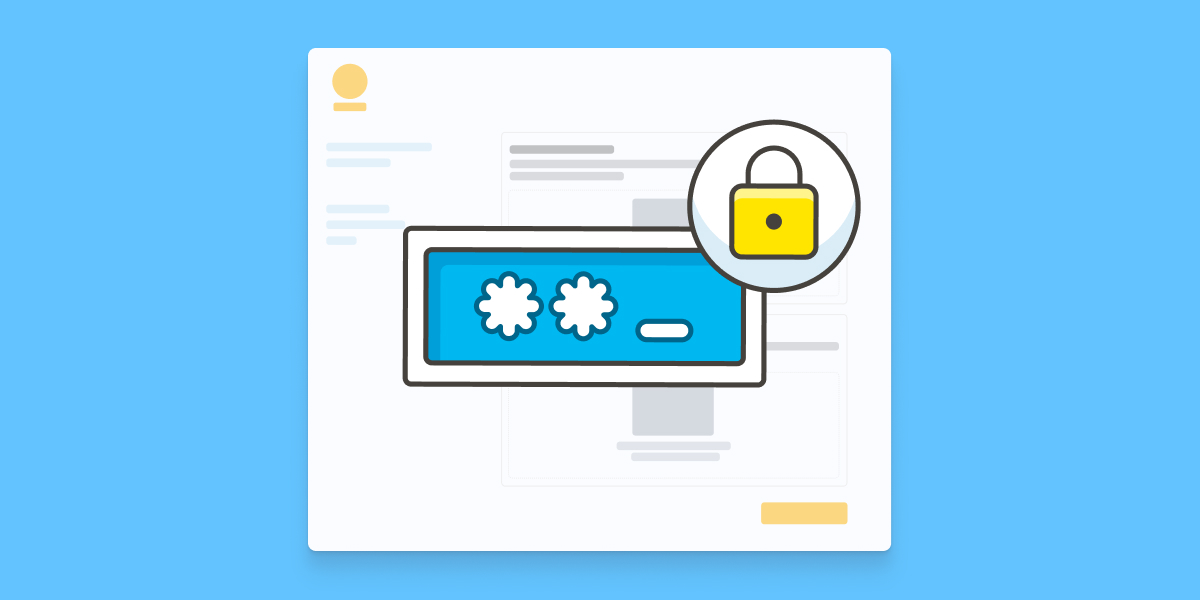
One-Time Password Protection for Portals
You can now add an extra layer of security to your client portals with one-time password (OTP) protection.
Whether you want to secure access from the very first connection or only once a client has started entering information and uploading documents—you decide when it kicks in.
We’ve made it flexible:
- OTP is sent by email for a smooth user experience
- You can fully customize the email content to match your tone and context
It's a simple way to keep sensitive workflows secure while keeping things easy for your clients.
Campaign-Level Email Personalization
You can now customize automated emails at the campaign level—giving you more control over the messages your clients receive.
Previously, email customization was only possible in the branding settings, which apply across multiple campaigns. That still works—but now, if you want to fine-tune specific messages for a single campaign, you can.
A few notes:
- You can currently customize a selected set of system emails (like status updates, confirmations, and access notifications)
- Campaign-level custom emails will override branding-level customizations, which themselves override our default templates
More flexibility, more relevance—one campaign at a time.
Start automating your onboarding today
Try Collect free for 7 days – with full access to our AI and integrations.